LFO RACK · LIVE OUTPUT
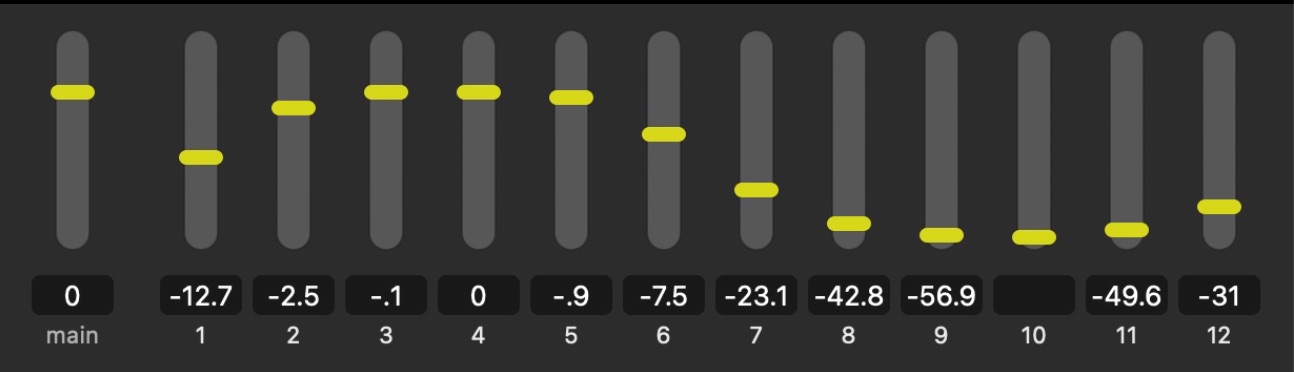
LFO Rack adds continuous, shapeable motion across your QLab fader levels, play rate, and spatial position — from subtle gestures to lively animation — with reliable randomness that keeps a loop from ever sounding like a loop.
Randomize the movement, change the rate, select a movement range, and pick a shape for your Qlab fader levels.
See it run a horse race, day/night ambiences, and a spectral filter crossfade on the Applications page →
Continuous control over: volume automation, spatial motion, play-rate speed, and pitch modulation.
Each Oscillator can drive several Target Units that control QLab parameters in real time. Easily link LFO Rack to Qlab using the Detect function.
Continuous movement — seven LFO shapes, random modes, full control over the range, speed, and offset of the targeted parameters.
Volume that swells and recedes, in regular or irregular intervals — sound that never sits still.
Pitch drift that can chorus a sound against itself, or create wild tape-stop dives and seasick warbles.
Drive a whole bank of faders or crosspoints at once. Use phase-offset and random modes to subtle or wild effect — hypnotic to watch, generated live from one rack.
Uses Qlab's Object tab to move QLab's "audio object" (the yellow dot) continuously around a space.
A proximity dot sweeps around custom loudspeaker positions — up to 32 channels: linear and circular spatial audio movement.
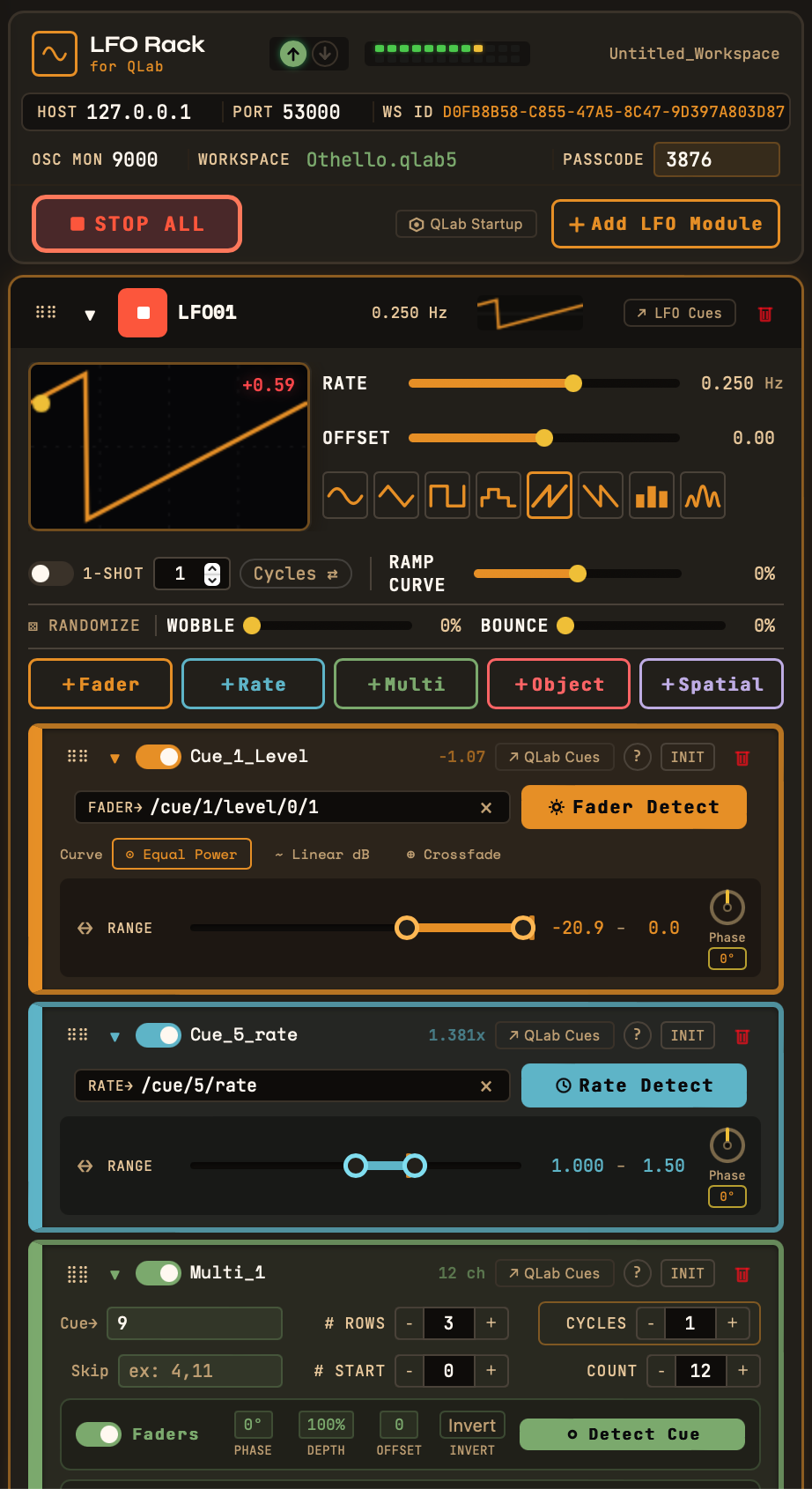
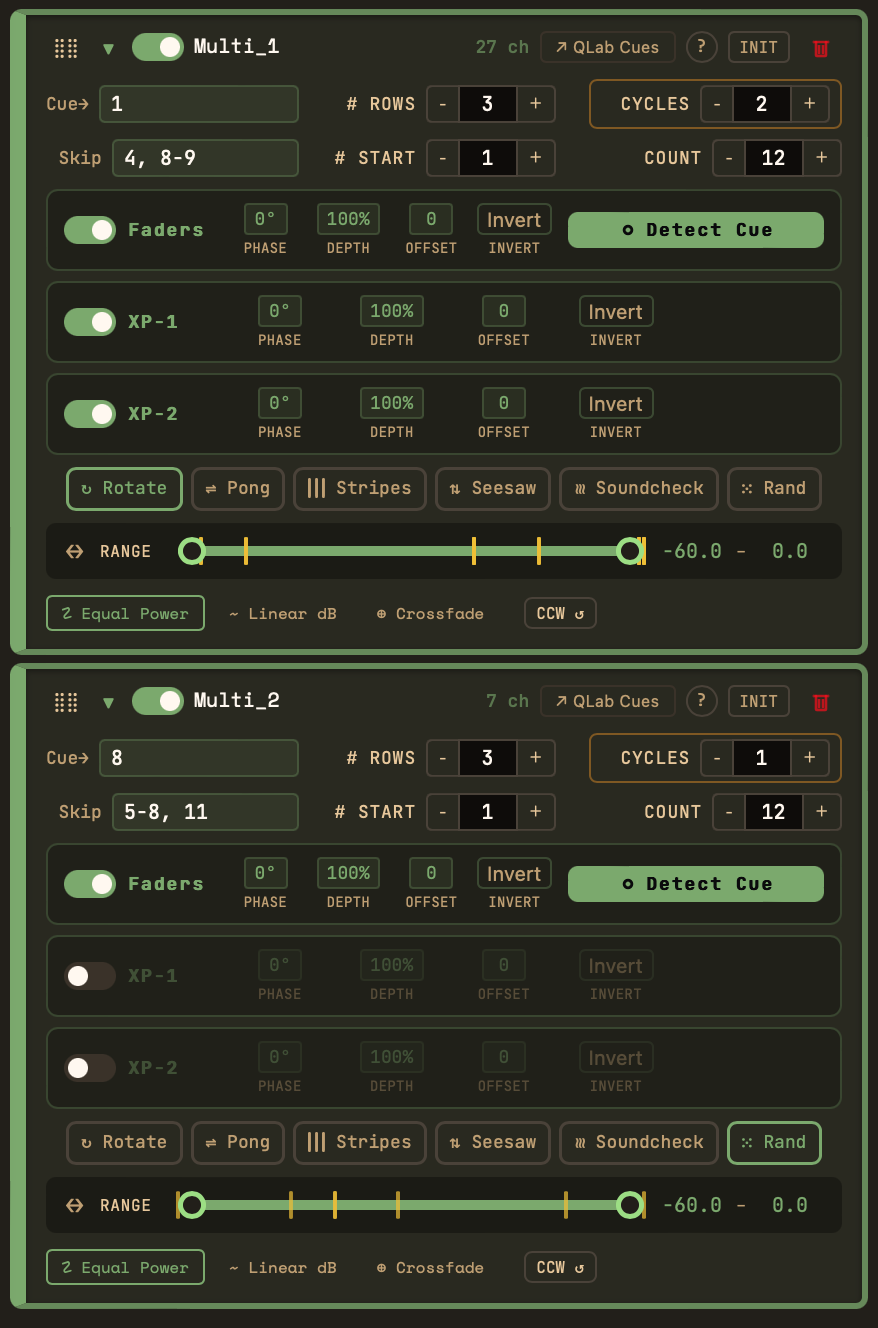
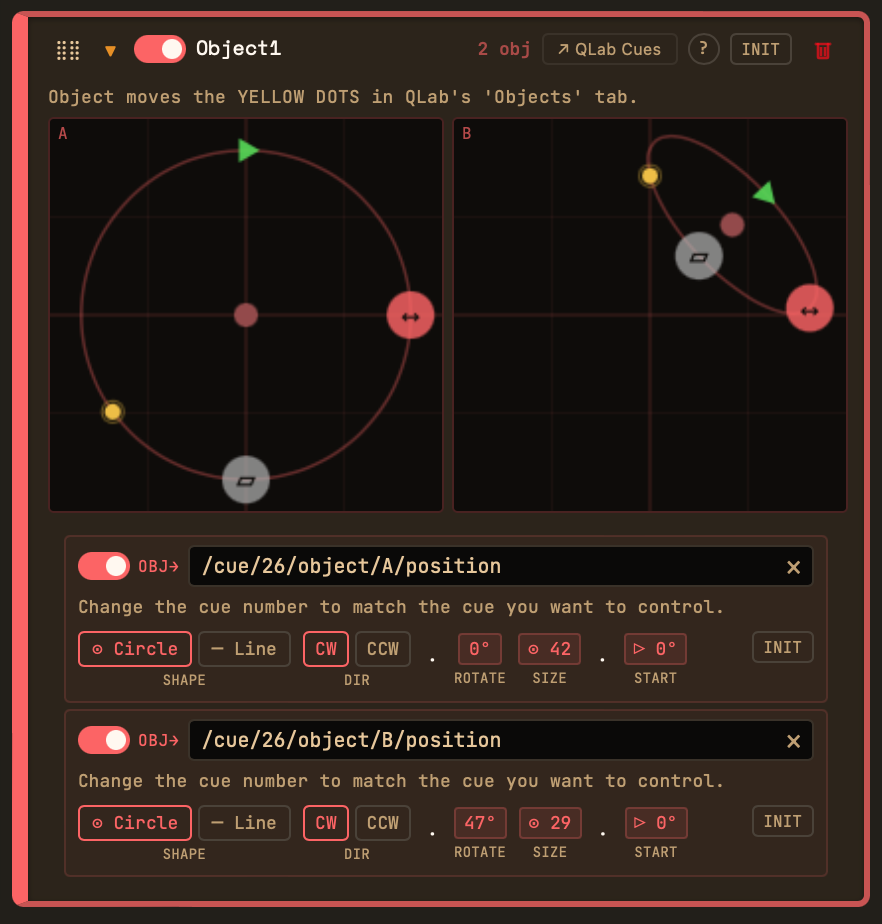
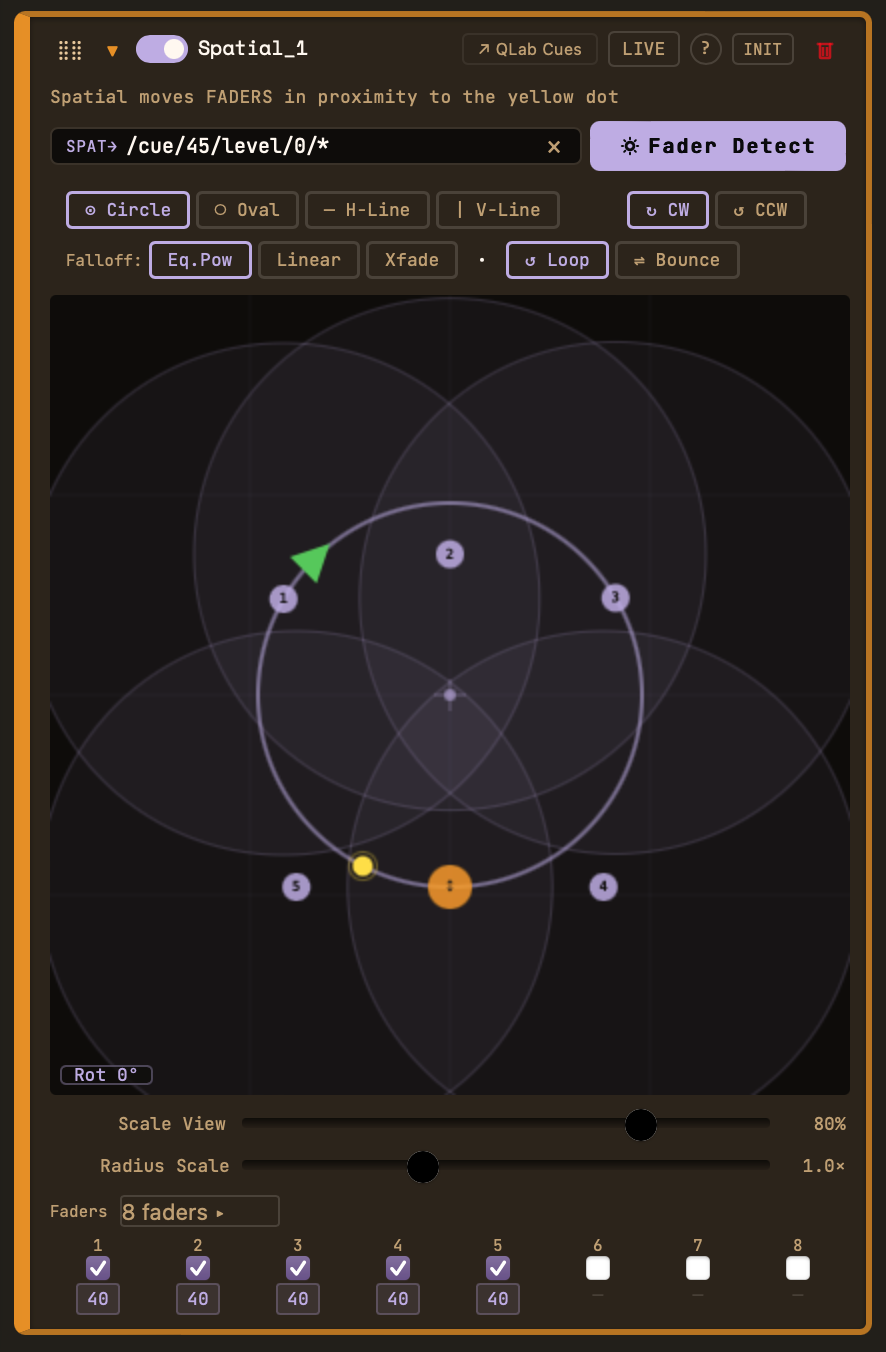
Our philosophy is imperfection by design. By applying continuous, shapeable motion to parameters like levels, play rate, and spatial position, your loops will never sound repetitive during performances.
Use the Random Oscillator Shapes to create irregularity within strict limits. You decide how far the volume swings. You decide how far the pitch wobbles.
“Imperfection by design. Reliable irregularity.”
Designed for the professional theater sound community. Choose the license that fits your production workflow. Download LFO Rack for the free 14 day trial, after which one Fader unit will remain unlocked.
Just need one fader? Lite is free, forever.
Need an educational discount or a site license? Email joel@lforack.com.
Yes. LFO Rack is intended to be used alongside QLab, ideally on the same computer. It doesn't replace or include QLab.
No. LFO Rack runs on your show computer and communicates locally over OSC. License activation is done offline.
macOS 11 (Big Sur) and later, on both Apple Silicon and Intel.
Your license key is generated from your computer's hardware ID and activates offline. Paid tiers cover two computers — a primary and backup show computer.
Yes — email joel@lforack.com for educational pricing or a multi-seat site license.
No — LFO Rack is independent, and not affiliated with or endorsed by Figure 53. We're big admirers of QLab, and built LFO Rack to complement it. "QLab" is their trademark, used here only to describe interoperability.
The free Lite tier and 14-day trial let you evaluate fully first. See our Refund Policy for the details.